JAVASCRIPT
Mastering JavaScript Array Functions: A Complete Guide with Real-Time Examples
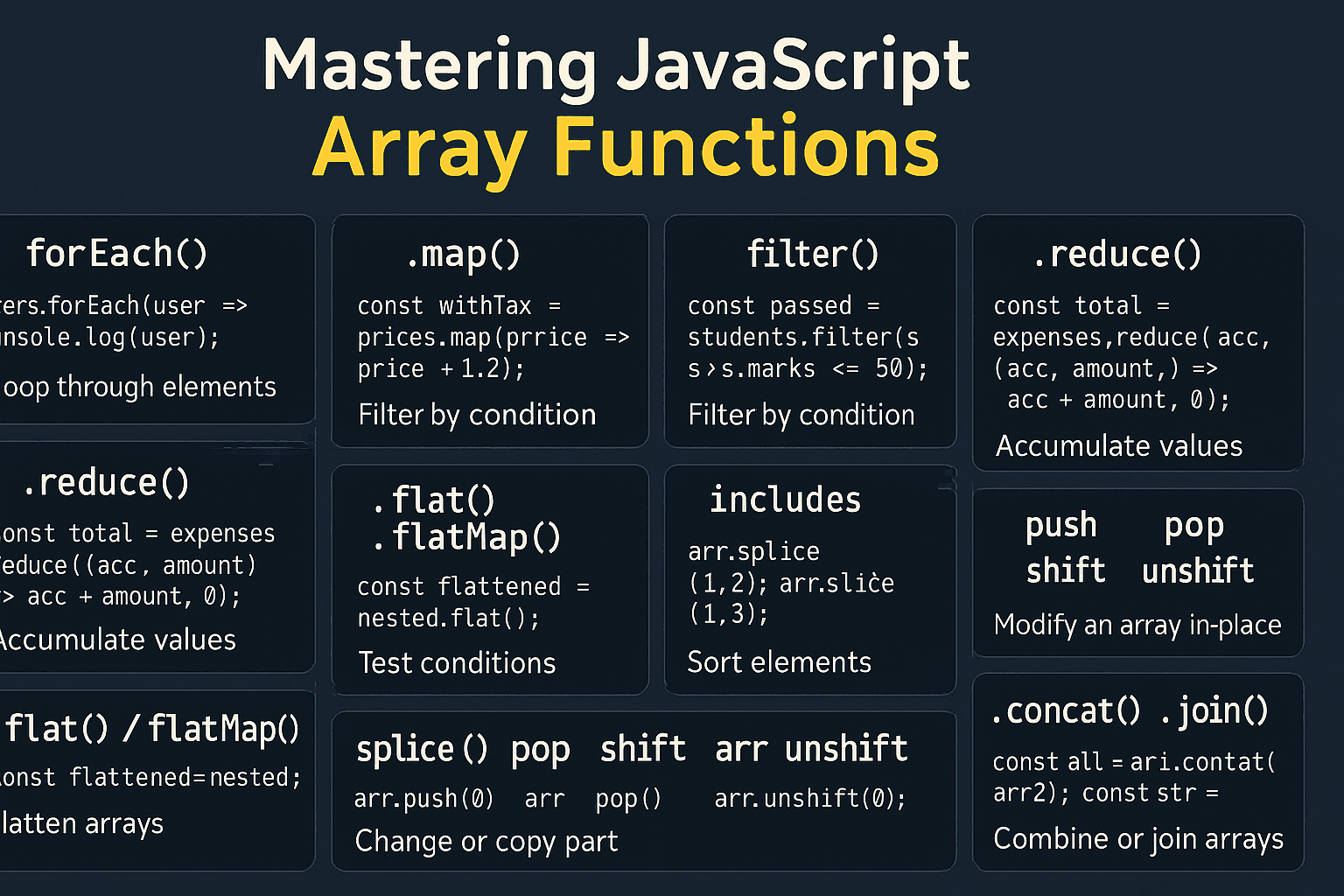
JavaScript Array Functions Every Developer Should Know
Introduction
JavaScript arrays provide a rich set of built-in methods that make working with data much easier. Whether you're transforming data, filtering results, searching for specific values, or combining multiple arrays, these methods help you write cleaner, more efficient, and more readable code.
Understanding these array functions is an essential skill for every JavaScript developer, from beginners to experienced professionals.
In this guide, you'll learn the most commonly used JavaScript array methods, when to use them, and practical examples that you can apply in your own projects.
JavaScript Array Methods Covered
forEach()map()filter()reduce()find()some()every()flat()flatMap()includes()sort()slice()splice()push()pop()shift()unshift()concat()join()
1. forEach() – Iterate Through an Array
What it does
The forEach() method executes a callback function once for every element in an array. It is commonly used when you need to perform an action for each item without creating a new array.
Syntax
array.forEach((item, index) => {
    // Your code here
});
Example
const fruits = ["Apple", "Banana", "Orange"];

fruits.forEach((fruit) => {
    console.log(fruit);
});
Output
Apple
Banana
Orange
When to Use
Displaying items
Logging values
Updating the DOM
Running side effects
Note:
forEach()does not return a new array.
2. map() – Transform Array Elements
What it does
The map() method creates a new array by applying a function to every element of the original array.
Syntax
array.map((item) => {
    return transformedItem;
});
Example
const numbers = [1, 2, 3, 4];

const doubled = numbers.map(num => num * 2);

console.log(doubled);
Output
[2, 4, 6, 8]
When to Use
Transforming API responses
Formatting data
Creating new arrays
Updating object properties
3. filter() – Select Matching Elements
What it does
The filter() method returns a new array containing only the elements that satisfy a specified condition.
Syntax
array.filter((item) => {
    return condition;
});
Example
const numbers = [5, 10, 15, 20];

const result = numbers.filter(num => num > 10);

console.log(result);
Output
[15, 20]
When to Use
Search functionality
Removing unwanted items
Filtering products
User permissions
4. reduce() – Reduce an Array to a Single Value
What it does
The reduce() method processes each element of an array and returns a single accumulated value.
Syntax
array.reduce((accumulator, currentValue) => {
    return accumulator;
}, initialValue);
Example
const numbers = [1, 2, 3, 4];

const total = numbers.reduce((sum, num) => sum + num, 0);

console.log(total);
Output
10
Common Use Cases
Sum values
Count occurrences
Group objects
Build lookup tables
5. find() – Find the First Matching Element
What it does
Returns the first element that matches the specified condition. If no element matches, it returns undefined.
Example
const users = [
    { id: 1, name: "John" },
    { id: 2, name: "Alice" }
];

const user = users.find(user => user.id === 2);

console.log(user);
Output
{ id: 2, name: "Alice" }
6. some() – Check if Any Element Matches
Returns true if at least one element satisfies the condition.
const numbers = [2, 4, 6, 7];

const hasOdd = numbers.some(num => num % 2 !== 0);

console.log(hasOdd);
Output:
true
7. every() – Check if All Elements Match
Returns true only if every element satisfies the condition.
const numbers = [2, 4, 6];

const allEven = numbers.every(num => num % 2 === 0);

console.log(allEven);
Output:
true
8. flat() – Flatten Nested Arrays
const arr = [1, [2, 3], [4, 5]];

console.log(arr.flat());
Output:
[1, 2, 3, 4, 5]
9. flatMap() – Map and Flatten
const words = ["Hello World", "JavaScript Array"];

const result = words.flatMap(word => word.split(" "));

console.log(result);
Output:
["Hello", "World", "JavaScript", "Array"]
10. includes() – Check if a Value Exists
const fruits = ["Apple", "Banana", "Orange"];

console.log(fruits.includes("Banana"));
Output:
true
11. sort() – Sort an Array
const numbers = [5, 2, 8, 1];

numbers.sort((a, b) => a - b);

console.log(numbers);
Output:
[1, 2, 5, 8]
12. slice() – Extract Part of an Array
const numbers = [1, 2, 3, 4, 5];

console.log(numbers.slice(1, 4));
Output:
[2, 3, 4]
13. splice() – Add or Remove Elements
const fruits = ["Apple", "Banana", "Orange"];

fruits.splice(1, 1);

console.log(fruits);
Output:
["Apple", "Orange"]
14. push()
Adds one or more elements to the end of an array.
const numbers = [1, 2];

numbers.push(3);

console.log(numbers);
Output:
[1, 2, 3]
15. pop()
Removes the last element from an array.
const numbers = [1, 2, 3];

numbers.pop();

console.log(numbers);
Output:
[1, 2]
16. shift()
Removes the first element from an array.
const numbers = [1, 2, 3];

numbers.shift();

console.log(numbers);
Output:
[2, 3]
17. unshift()
Adds one or more elements to the beginning of an array.
const numbers = [2, 3];

numbers.unshift(1);

console.log(numbers);
Output:
[1, 2, 3]
18. concat() – Merge Arrays
const arr1 = [1, 2];
const arr2 = [3, 4];

console.log(arr1.concat(arr2));
Output:
[1, 2, 3, 4]
19. join() – Convert an Array to a String
const fruits = ["Apple", "Banana", "Orange"];

console.log(fruits.join(", "));
Output:
Apple, Banana, Orange
Conclusion
JavaScript array methods are among the most powerful tools in the language. Learning when and how to use them will help you write cleaner, shorter, and more maintainable code.
As a general guideline:
Use
forEach()to perform actions on each element.Use
map()to transform data.Use
filter()to select matching elements.Use
reduce()to calculate or aggregate values.Use
find()to locate a single element.Use
some()andevery()for conditional checks.Use
flat()andflatMap()to work with nested arrays.Use
sort()to order data.Use
slice()andsplice()to extract or modify arrays.Use
push(),pop(),shift(), andunshift()to add or remove elements.Use
concat()to merge arrays andjoin()to convert arrays into strings.
Mastering these methods will make your JavaScript code more expressive, easier to understand, and better suited for real-world applications.
Comments
Be the first to comment.